
mBarograph
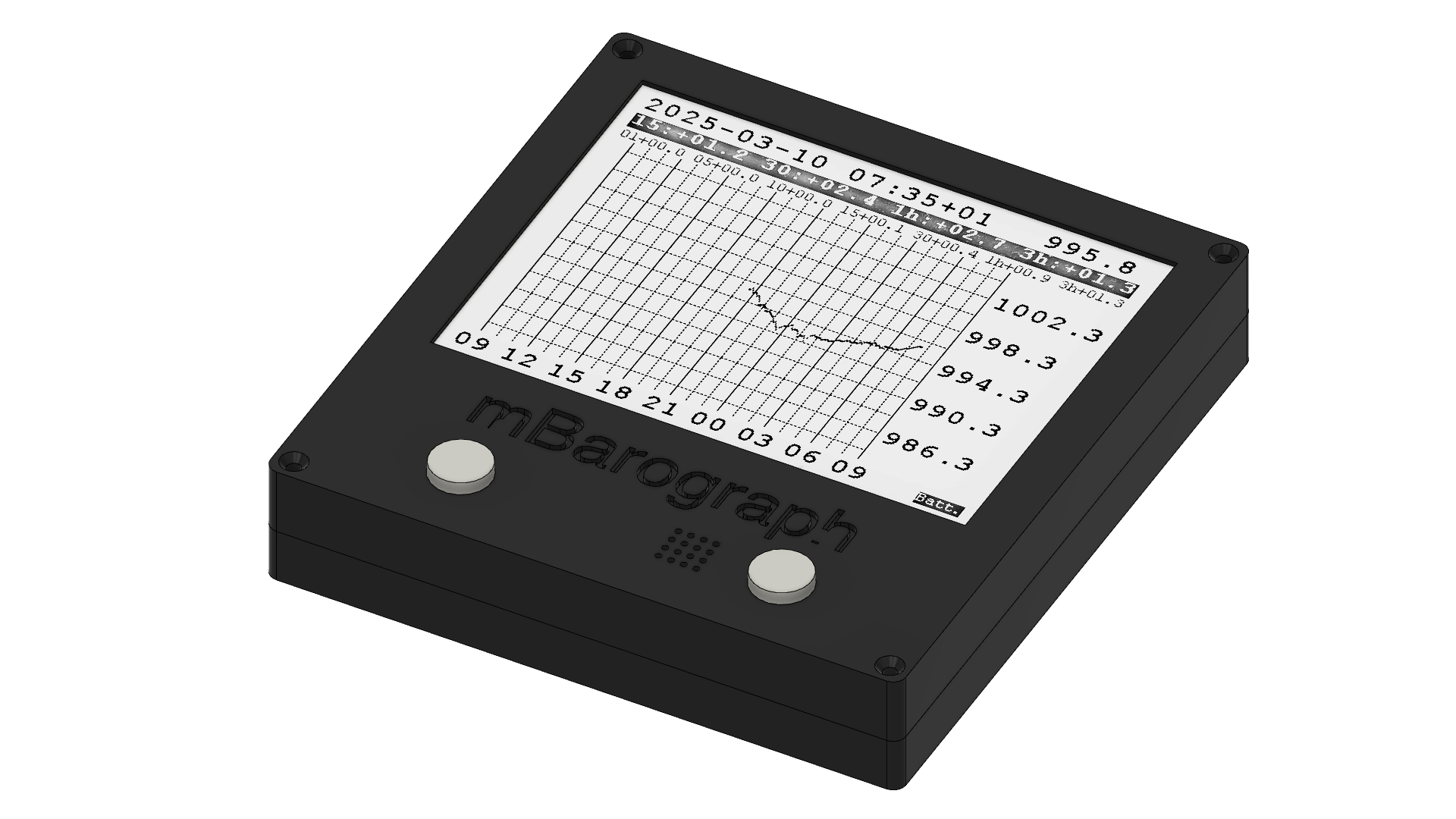
is a fully electronic digital barograph measuring, recording and analysing the atmospheric pressure.
Functional description
The mBarograph fully electronic digital barograph measures the atmospheric pressure and records them. The records can be visualised in a 24 hour graph or alternatively in a 4 day graph. The 4 day are 3 day plus the current day. The atmospheric pressure values are recorded and displayed every 5 minute for the 24 hour graph and displayed every 20 minute for the 4 day graph.
Pressure change from now to 1, 5, 10, 15, 30 minute, 1 and 3 hour ago are calculated and visualised. Based on the pressure change from 15, 30 minute and 1 hour ago the pressure tendency over 3 hour is estimated. If any of these and or the effective 3 hour pressure tendency is above or below the preset tendency limit an alarm bar appears on the screen and an acoustic alarm is sounded. In the alarm bar the estimated tendency values are visualised.
The device includes a high accuracy real time clock. Visualisation is done on a high-contrast sunlight readable 4.2 inch e-paper screen and the device can be powered by standard USB Type-C cable. It has an internal Li-Polymer Battery which allows the mBarograph to work without an external power supply for about 10 day.
The firmware can be updated by the user using a personal computer.
Technical data
| Operating pressure range | 900 to 1100hPa |
| Absolute accuracy pressure | ±0.30hPa |
| Relative accuracy pressure | ±0.06hPa |
| Offset temperature coefficient | ±0.5hPa/K |
| Temperature stability pressure | ±0.10hPa within 1 year |
| Altitude correction range | 0 to 50m |
| Active viewing area on display panel | 85 x 64 mm |
| Graphic resolution of display | 400 x 300 pixels |
| Timescale | 24 hours or 4 days |
| Pressure viewing range | 22hPa over 24 hours |
| 220hPa over 4 days | |
| Resolution of pressure value | 0.1hPa |
| Resolution of pressure curve | 0.1hPa per pixel 24 hours |
| 1.0hPa per pixel 4 days |
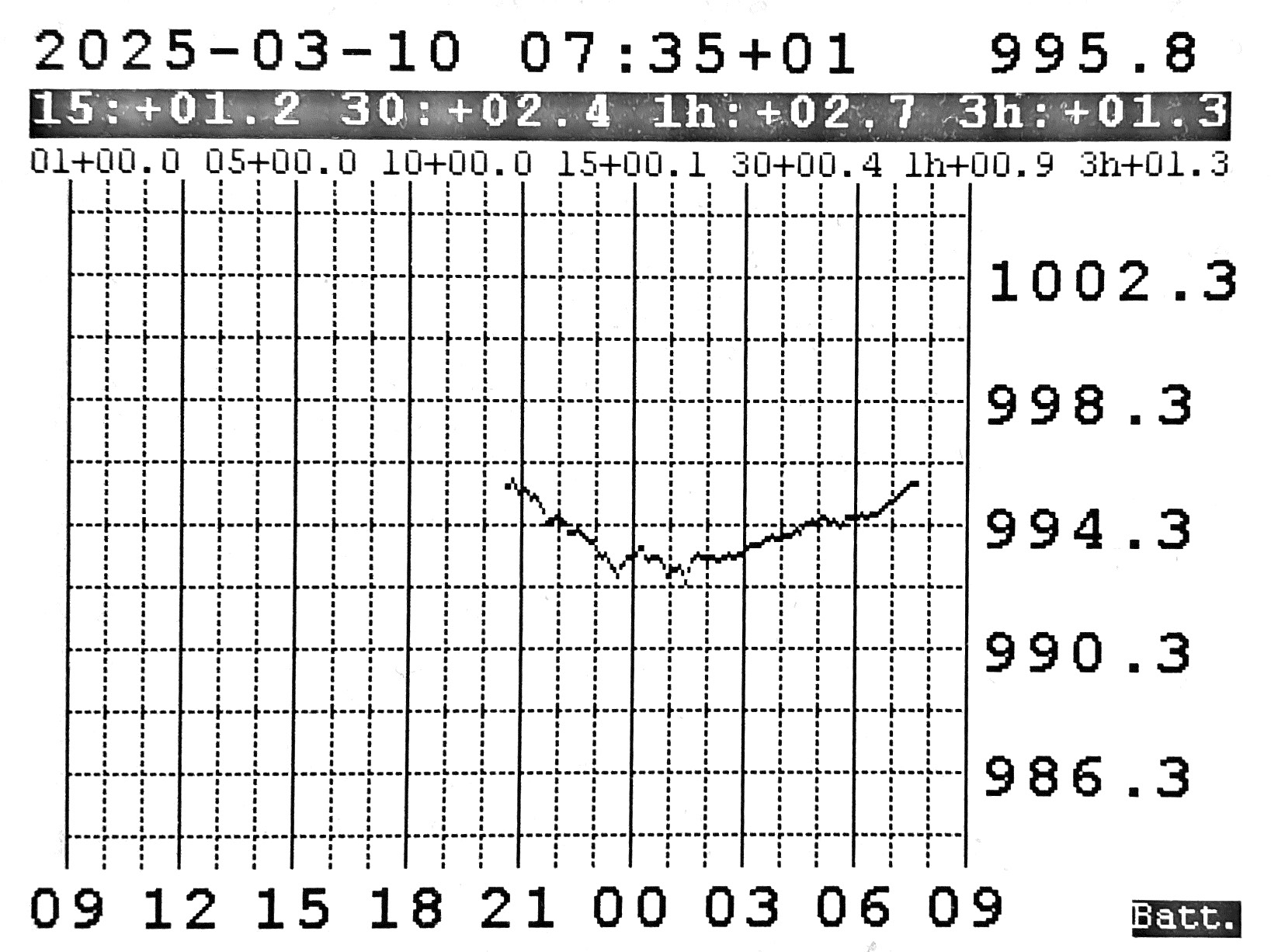
24 hour graph screen with triggered alarm
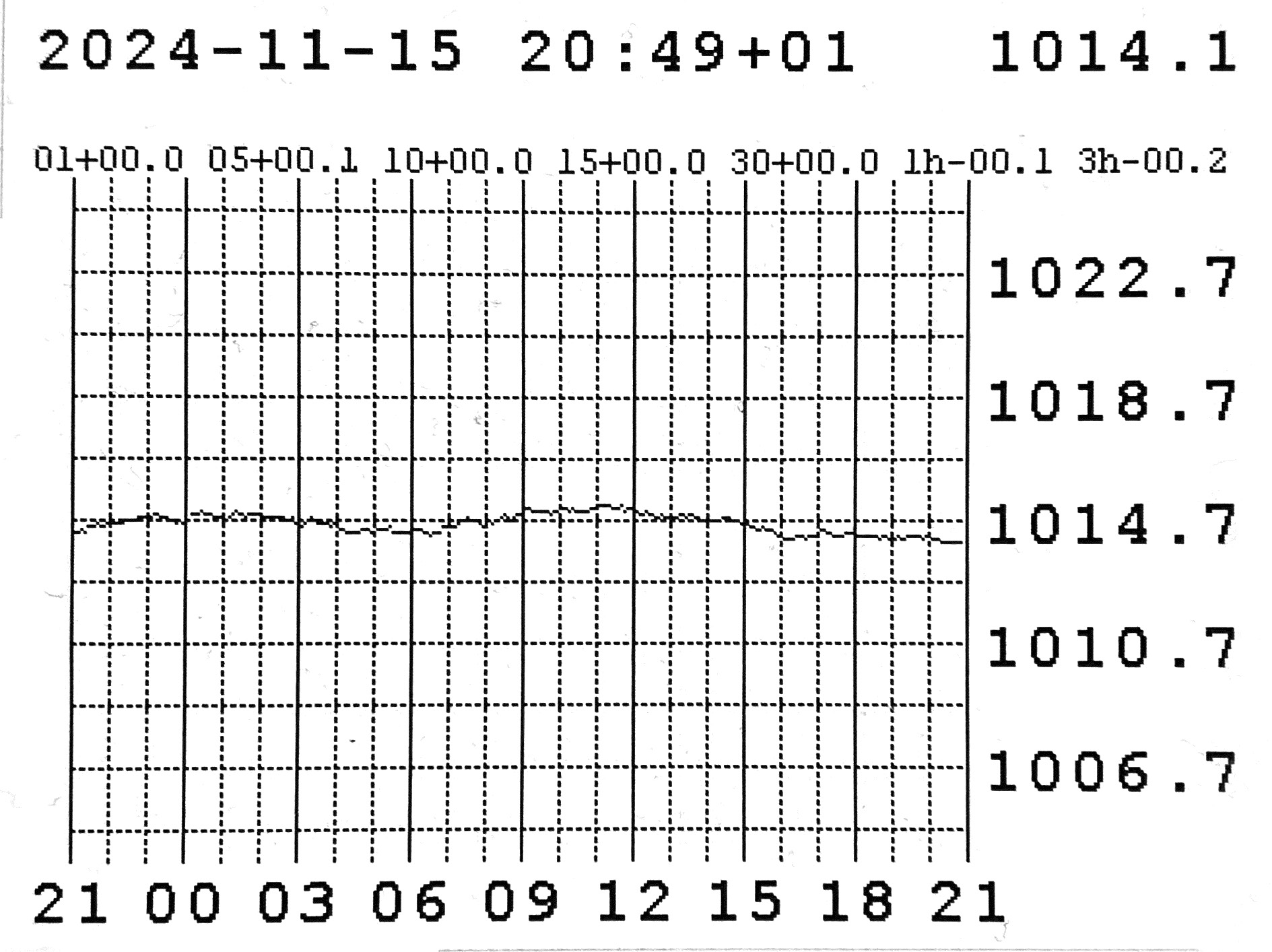
24 hour graph screen
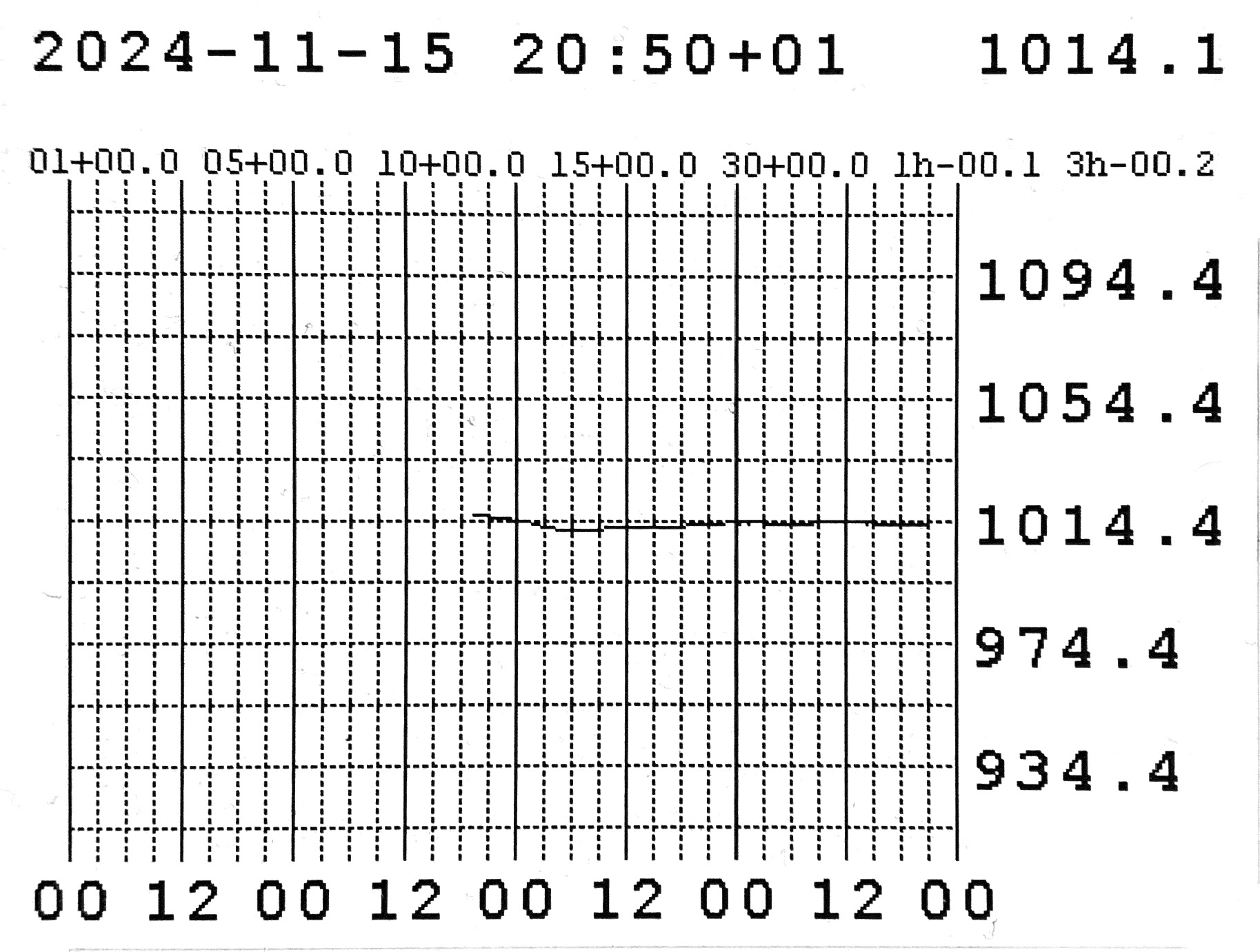
4 day graph screen
Build video
This video demonstrates the complete assembly and firmware installation of the mBarograph.
Music: Autumn Leaves by (Brentin Davis) / CC BY-NC 4.0
Manual & Firmware & Build Package

Build and Operation Manual
The Build and Operation Manual can be downloaded below. It contains detailed instructions for building, programming, and operating the mBarograph.
Download Build and Operation Manual
Firmware
The user can update the firmware using a personal computer. See Section 3.4 of the Build and Operation Manual. New firmware versions may be released from time to time as improvements become available.
Firmware v1.01 is the latest available release.
Download Build Package
Build Package
Build your own mBarograph! Download the files below and read the Build and Operation Manual before getting started.
Download Build PackageFrequently Asked Questions
Below you can find the most frequent question asked by users of the mBarograph. In case you run into any trouble, the best thing to do is to start here to check for an answer and solution.
Is the mBarograph free?
The mBarograph device files are available free of charge for private, non-commercial use. Enjoy building your own mBarograph!
Do the USB charger and cable have any special requirements?
The charger should deliver at least 2A of current and the USB Type C cable should be of data transfer quality. So the USB Type C cable can also be used to update the firmware of the mBarograph.
How to get in touch in case of questions and inquiry?
For any inquiries or questions, please contact mBarograph@icloud.com. While general questions may be answered free of charge, more extensive support or consulting may require a paid session.
Can I use the files commercially?
No. The files are provided free of charge for private, educational, research, and non-commercial use only.